Lesson 5. Effective Search Strategies
Section outline
-
-
Introduction
The internet is like a massive library, packed with information on virtually any topic you can imagine. Yet, despite its depth, finding exactly what you're looking for can feel like hunting for a needle in a haystack. We've all had the experience of typing in a search query only to end up scrolling through page after page of results that just don't seem relevant. It can be frustrating, especially when you need information quickly or when you're looking for something very specific.
To make the most of this powerful tool, it helps to learn a few key techniques for searching effectively and making sure the information you find is reliable. Using precise keywords, employing search operators, and understanding how to filter and refine results can make a big difference in the quality of the information you get. Knowing where to look is just part of the equation, though. Verifying your sources, checking for bias, and cross-referencing details are essential steps to ensure that you're not just finding information, but finding the right information.
With a few adjustments to your search habits, you can transform what might feel like an overwhelming flood of data into a resource you can really use to your advantage. Whether you're a student, a professional, or just someone with a curious mind, knowing how to navigate the internet effectively can save you time, enhance your learning, and even help you spot misleading or biased information before it influences your understanding of a topic. In a world where the internet is our primary source of information, these skills are more important than ever.
In this lesson, we’ll explore three main strategies to enhance your search abilities:
- Using Keywords and Operators: Learn how to refine searches with precise words and symbols.
- Using Advanced Search Tools: Use filters and operators to narrow down results to the most relevant ones.
- Cross-Checking Information: Understand how to verify facts and assess the credibility of sources.
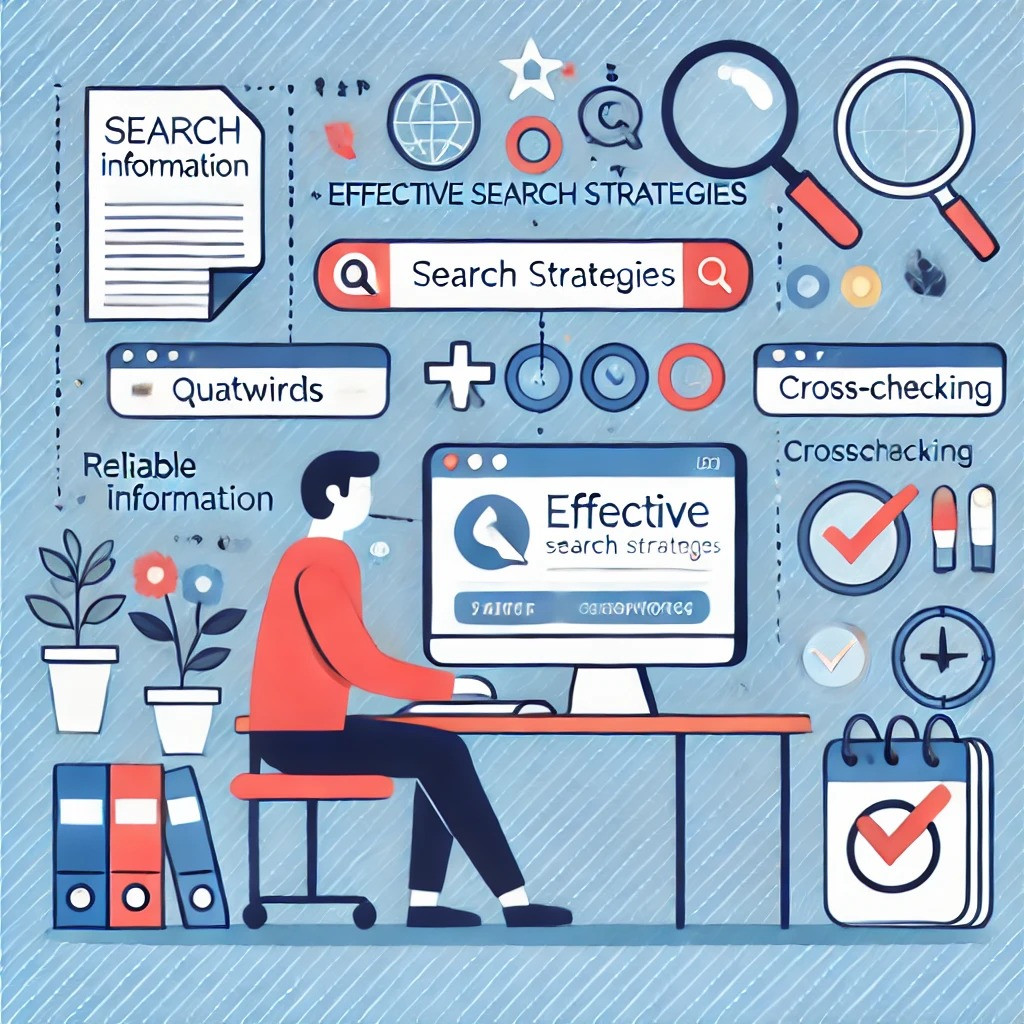
Using Keywords and Operators
The keywords and phrases you use in a search can greatly impact the quality of the information you find. Keywords help search engines identify the main topics you’re looking for, while operators can add further detail or exclude irrelevant information.
Some examples of Effective Keywords:
Imagine you’re researching the impact of climate change on agriculture. Typing “climate change” alone brings millions of results, many of which might not relate to agriculture. By adding more specific keywords, like “effects of climate change on agriculture,” you narrow the search.
How to Use Search Operators
Operators are symbols or words you can add to your search to refine results even further. Each paragraph breaks down a search operator in simple language with an example, making it easy for learners to understand and apply these techniques in their own searches.:
- Quotation Marks (" "): Place quotes around a phrase to search for exact matches. For instance, searching for “effects of climate change on agriculture” will return only results with that exact phrase.
- The Minus Sign (-): Place a minus sign before a word to exclude it from your results. For example, “climate change agriculture -economics” will exclude any pages focused on economics, letting you focus on agricultural impacts.
- The OR Operator: Use "OR" to include either one term or another. Searching “climate change OR global warming” brings up results that discuss either term, broadening your scope. Using these operators allows you to better control the types of information you receive and avoid sifting through irrelevant pages.
- Using the Asterisk (*) as a Wildcard: The asterisk (*) can act as a placeholder for missing words in your search. It’s useful when you want variations of a phrase or when you're unsure of the exact wording. For example, typing "climate * impact" will return results for phrases like "climate change impact" or "climate policy impact." This operator is helpful when you know parts of a phrase but need flexibility for variations.
When your basic search strategies aren’t enough, most search engines offer advanced tools to help you dig even deeper and refine your results. For instance, Google’s advanced search options allow you to filter results by language, region, and date range, which is especially helpful if you’re looking for the latest updates or sources from specific countries.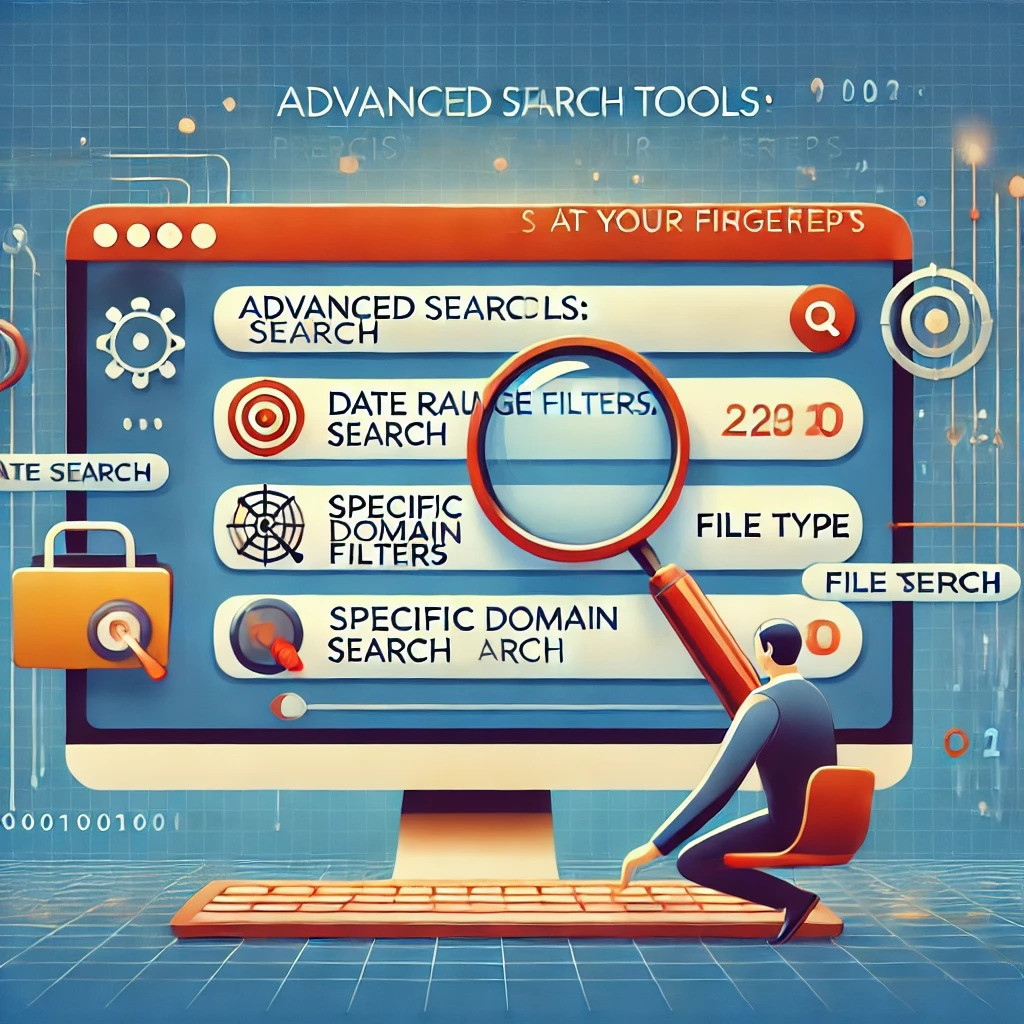
You can also search by file type to find PDFs, Word documents, or PowerPoint presentations directly, which can be a huge time-saver when you need credible, detailed information. These tools provide more precision, allowing you to focus on exactly what you need without wading through endless irrelevant pages. Using them effectively can turn a basic search into a powerful tool for finding the most accurate and relevant information available.
By using these filters, you can avoid wading through irrelevant pages and focus only on the content that truly matches your needs. Whether you’re looking for a recent study, a report from a specific country, or a PDF document, advanced search tools can make your search more targeted and effective.
Cross-Checking Information: The Key to Reliability
One of the biggest challenges in today’s information-heavy world is ensuring that what you find is credible. Misinformation and bias are widespread, so it’s crucial to cross-check the facts you encounter. This process involves verifying information from multiple sources to ensure consistency and accuracy.
Always prioritize reputable sources, such as peer-reviewed journals, government publications, and articles from well-established news organizations. Academic or government websites (.edu, .gov) are particularly trustworthy. Additionally, websites that present factual information with citations and sources are more reliable than those that offer opinions or unchecked claims.
When verifying facts, remember that even sources that seem trustworthy at first glance should be checked. If two or more reputable sources corroborate the same information, you can be more confident in its accuracy.

In an age of information overload, knowing how to search effectively can save valuable time, boost the quality of your research, and ensure you’re relying on accurate sources. When you know how to use keywords and search operators, you can quickly filter out irrelevant results and focus on what matters. Adding advanced search tools into the mix gives you even more precision, helping you target specific types of content or narrow your search by date, domain, or file type. And by cross-checking information across multiple trusted sources, you gain a fuller, more reliable picture of the topic. Mastering these techniques will make navigating the vast digital world simpler, more efficient, and, above all, much more reliable.
Whenever you need to search online, these strategies will help you cut through the noise and focus on reliable sources. Effective search skills aren’t just for school—they’re essential tools for everyday life. With practice, you’ll be able to find credible information faster, understand different perspectives, and make better-informed decisions. So, next time you need to find something online, remember these tips and make your search smarter, not harder.
-
Please find here the PowerPoint presentation for Lesson 5, entitled Effective Search Strategies.

-
- Online Search Tips | How to Search – this page sets out our favourite tips and tricks to help with online searches are several ways to improve searching techniques.
- Web Searching Skills – by following a few basic search tips, you’ll be able to find what you are looking for quickly and easily.
- Discover Why Quotation Marks Can Revolutionize Your Search Results – an article by Tim Fisher on why and how search quotes help you find better results.
- CRAAP test – a helpful tool to use when trying to decide if a website is a credible, valid source. The CRAP Test looks at four major areas: currency, reliability, authority and purpose.
- How to Verify Information Online ─ Tips for Finding Credible Sources – practical tips for identifying credible sources. These strategies will help you navigate through the sea of information more effectively.
-
Practise your knowledge on the effective search strategies by taking this short, 10 question quiz.
-